> ## Documentation Index
> Fetch the complete documentation index at: https://docs.chatnode.ai/docs/llms.txt
> Use this file to discover all available pages before exploring further.
# Files
> Easily train your agent by uploading documents directly.
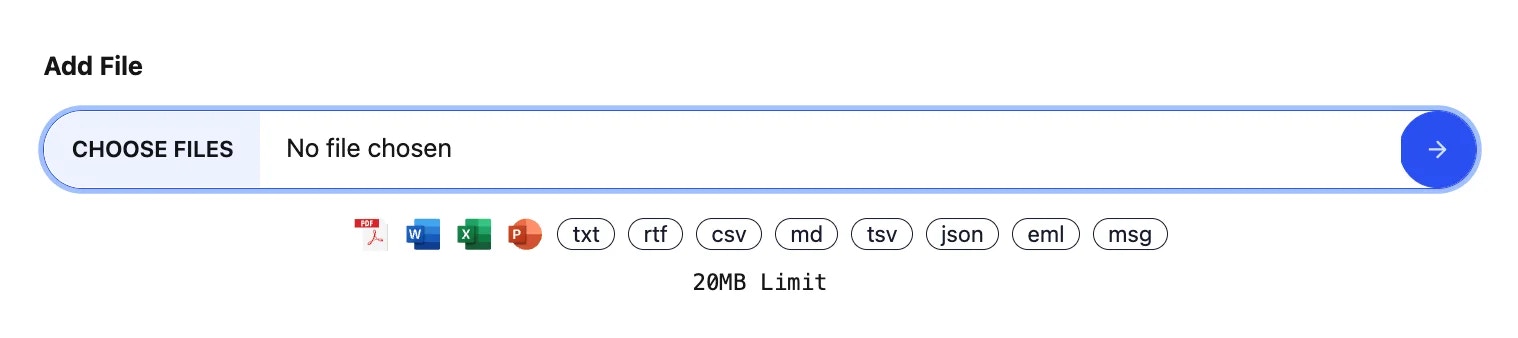
1. Click the **“Add File”** button.
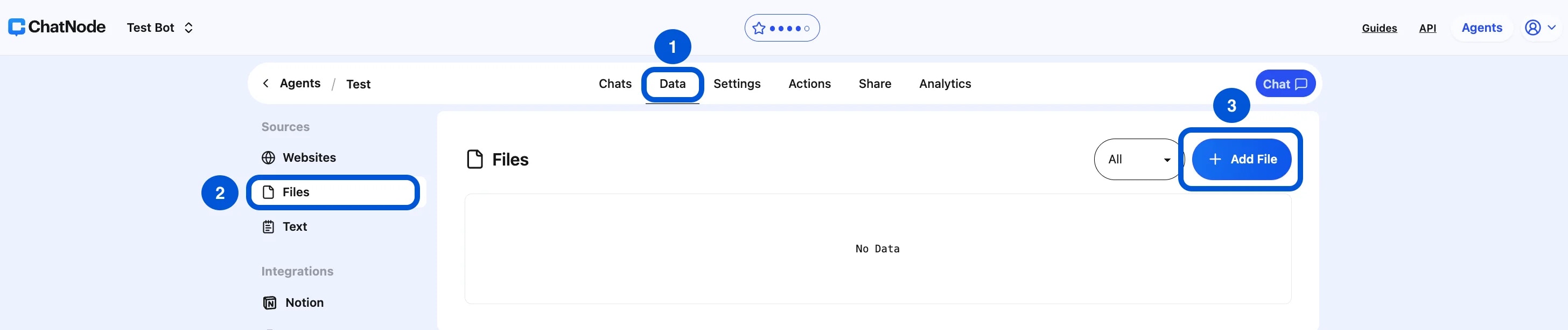 2. In the prompt that appears, click **“Choose Files.”**
3. Select one file or multiple files from your computer to upload.
4. Once selected, click the **side arrow** to proceed.
2. In the prompt that appears, click **“Choose Files.”**
3. Select one file or multiple files from your computer to upload.
4. Once selected, click the **side arrow** to proceed.
 **How to Delete Files**
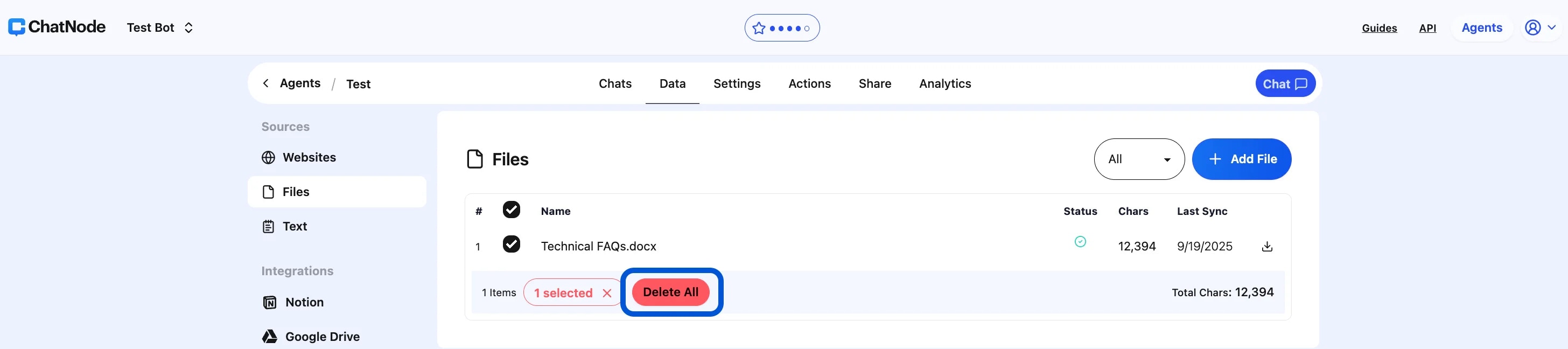
1. **Select the File(s) to Delete**
* Check the box next to the file(s) you want to delete.
* A selection indicator will appear at the bottom, showing how many files are selected.
2. **Click "Delete All"**
* Once the file(s) are selected, click the red **"Delete All"** button.
* A confirmation may be required before the deletion is finalized.
**How to Delete Files**
1. **Select the File(s) to Delete**
* Check the box next to the file(s) you want to delete.
* A selection indicator will appear at the bottom, showing how many files are selected.
2. **Click "Delete All"**
* Once the file(s) are selected, click the red **"Delete All"** button.
* A confirmation may be required before the deletion is finalized.
 **Download the File**
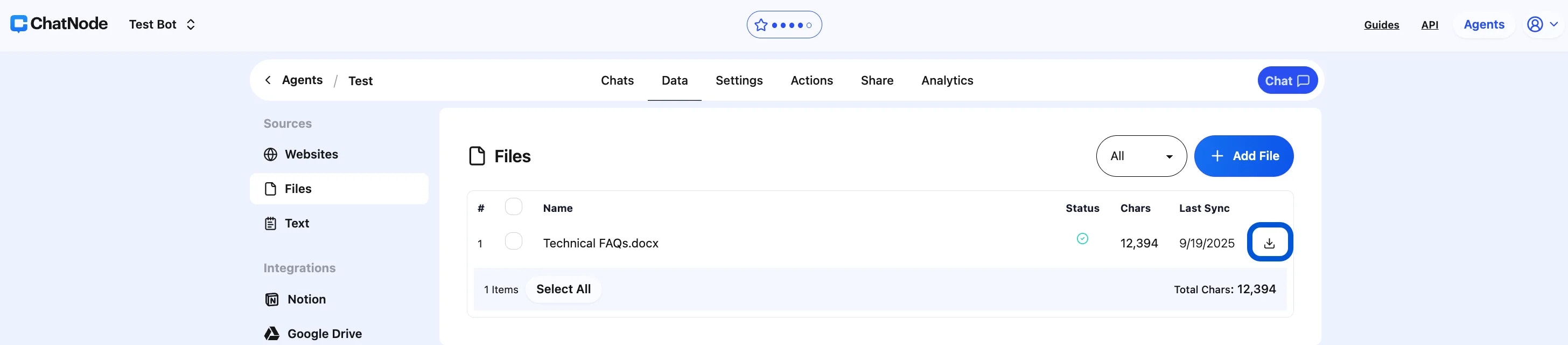
* To download, click on the download icon under the "Last Sync" column.
* The file will be downloaded to your device.
**Download the File**
* To download, click on the download icon under the "Last Sync" column.
* The file will be downloaded to your device.